The address book
The address book is the lodge's member list, kept once and used everywhere. It belongs to the program, not to any single newsletter, so it is there next month too.
Where your members come from
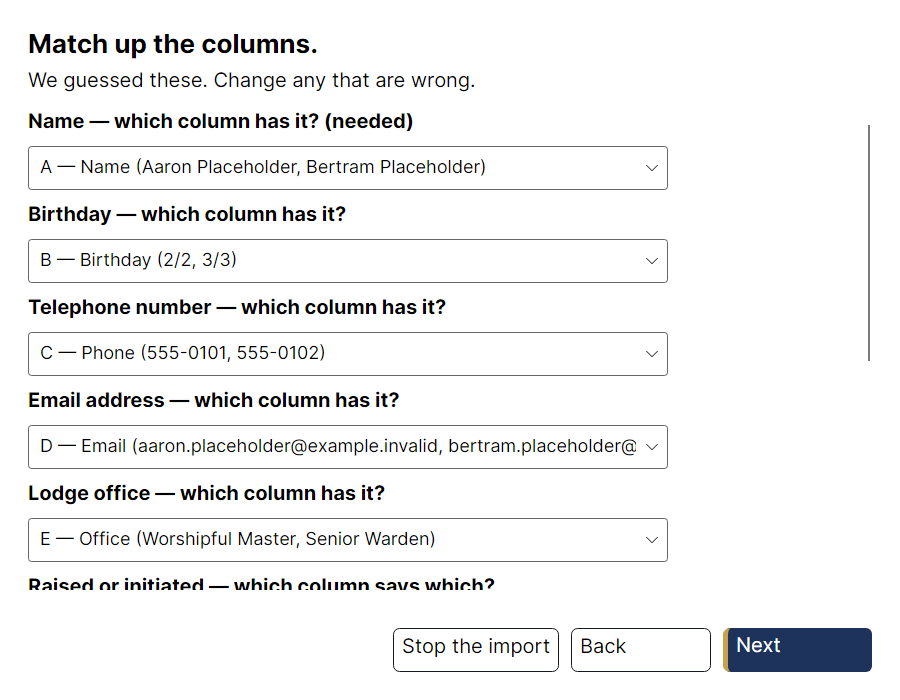
Most committees already keep the list in a spreadsheet. Import it rather than retyping it: People → Bring in a list of members….
The import asks one question per piece of lodge information — Name: which column has it? — rather than showing a grid of headings and hoping. It guesses first, and nothing is written until the last screen shows you what it is about to do.
Adding and correcting people
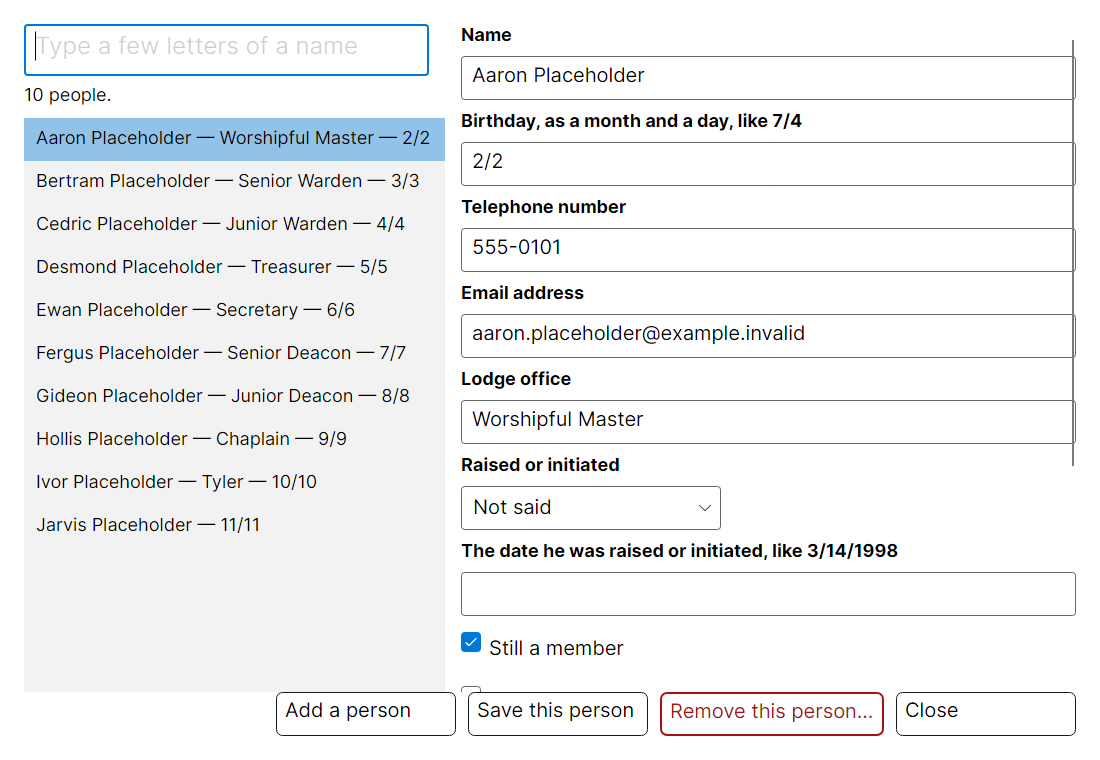
People → The lodge address book… opens the list. Type three letters of a name in the box at the top and there they are; the form on the right corrects one detail without disturbing anything else.
What it saves you
- The birthday list fills itself in. It knows which month the issue is for and takes the brethren whose birthdays fall in it.
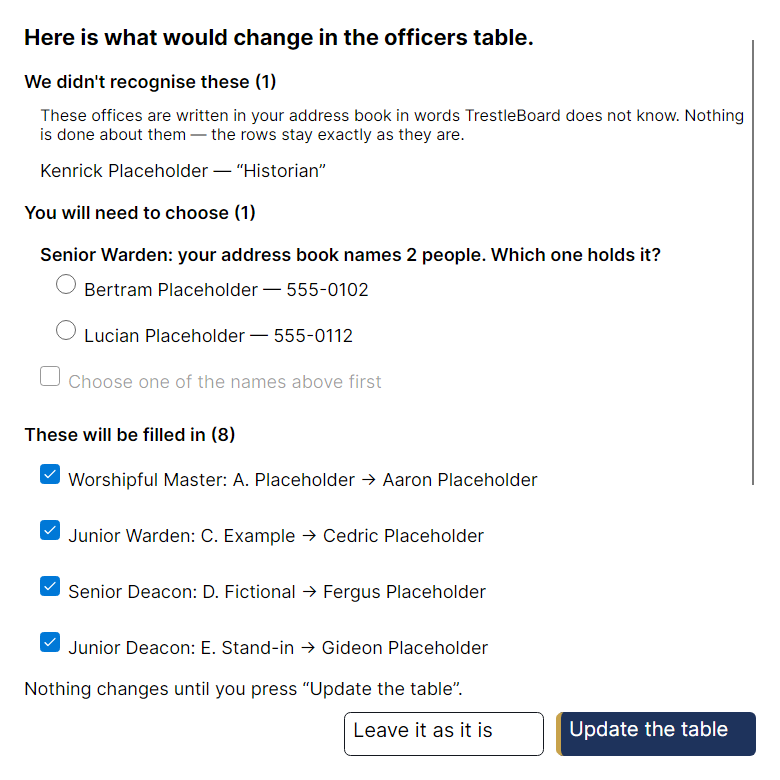
- The officers wizard offers names. Instead of asking you to spell a name it already knows, it shows you who it could be.
- Telephone numbers stay in one place. Correct a number once and every list that prints it is offered the correction.
Where it is kept, and who can see it
On your computer, in the program's own folder, and nowhere else. TrestleBoard has no account, no server and no synchronisation — nothing about your members leaves the machine you typed them into unless you send a newsletter or hand on a pack yourself.
A copy of the list is kept each time it changes, so a mistaken import or a deletion can be undone: People → Go back to an earlier address book….
Handing over to the next secretary
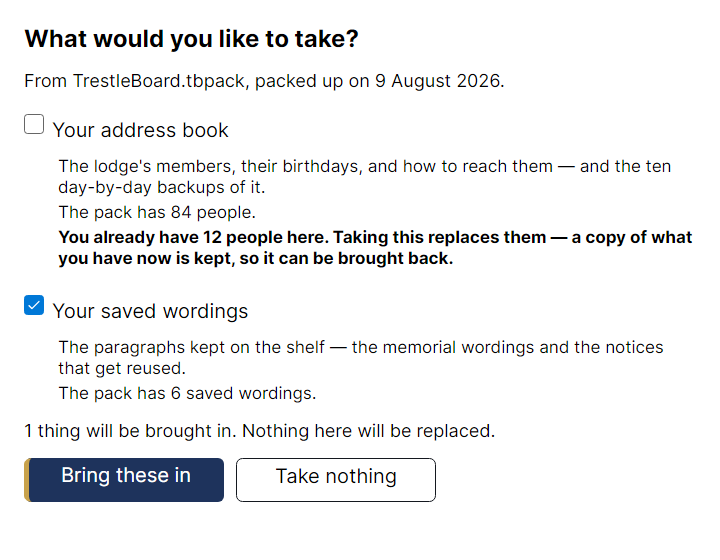
Pack everything up for whoever comes next… puts the address book, your saved templates, your standing paragraphs and your settings into a single file. The person taking over opens it with Bring in a pack…, which shows them exactly what it would replace before it replaces anything.